

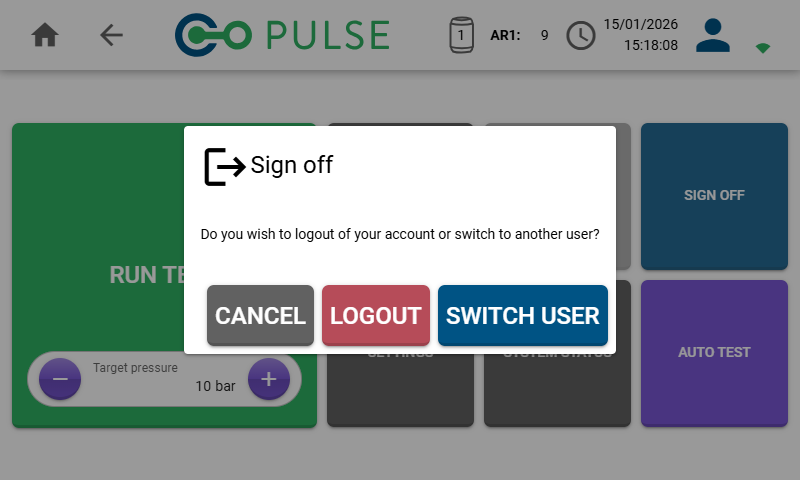
Logout
The Logout button will completely clear your authentication information and you will be required to reconnect to Wi-Fi and re-enter your password to use the account again.Switch user
The Switch user button enables you to quickly switch to using a different user account without logging out the current user.Logged in and inactive users on the device can always be managed from the Manage users screen within Settings.