

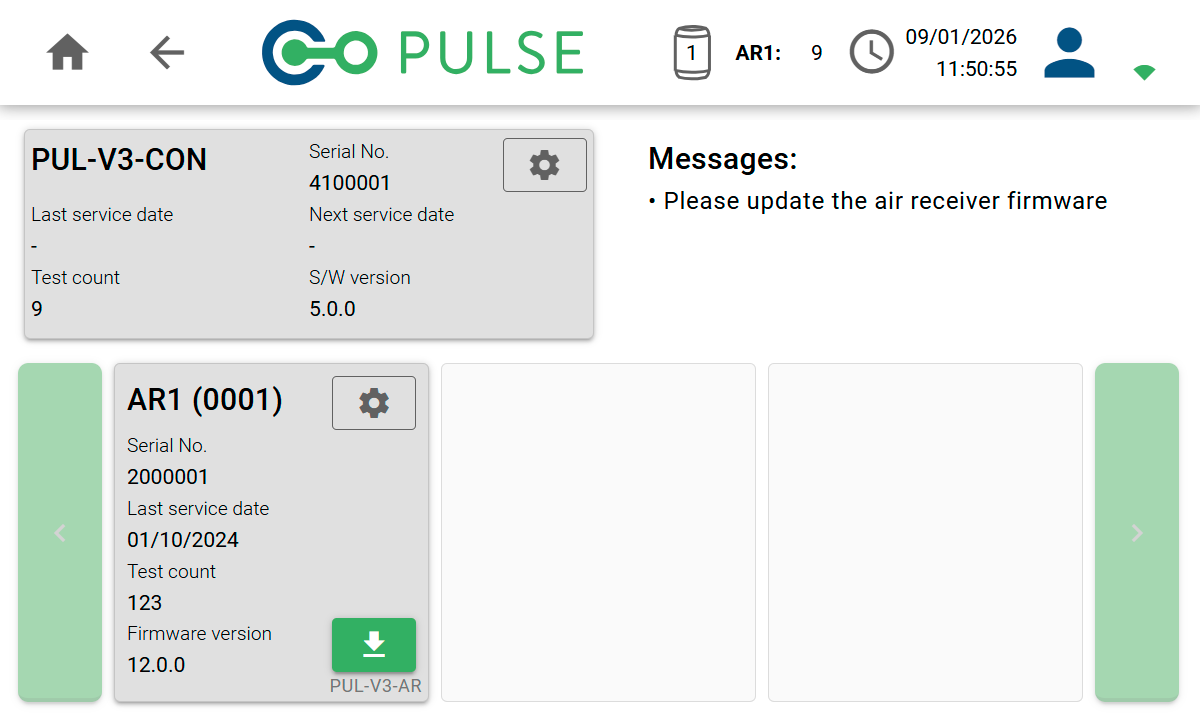
Serial no.
The unique serial number of your controller or air receiver. Every test performed is tagged with these numbers for auditing purposes.
Last service date
The date the controller or air receiver was last serviced, for informational purposes. The date will be updated by our technical support as part of the service process.
Next service date
The date the controller or air receiver is next due for a service. You will also receive remind emails from our admin team. The date will be updated by our technical support as part of the service process.
Test count
The number of Pulse tests that have been performed on the specific piece of equipment. The count will be incremented automatically with each new test.
S/W and firmware version
The version of the software/firmware the the controller or air receiver are running.